
Your whole dev cycle.
One subscription.
Tools you can change.
Code, tasks, docs and chat in one place, with an AI that sees what you see. And when your team needs a tool to work its way, ask the AI to change it.
- Save moneyOne subscription replaces six tools.
- Fit your teamChange any tool, or make your own, in a conversation.
- Ship fasterYour own AI answers, proposes, and takes tasks.
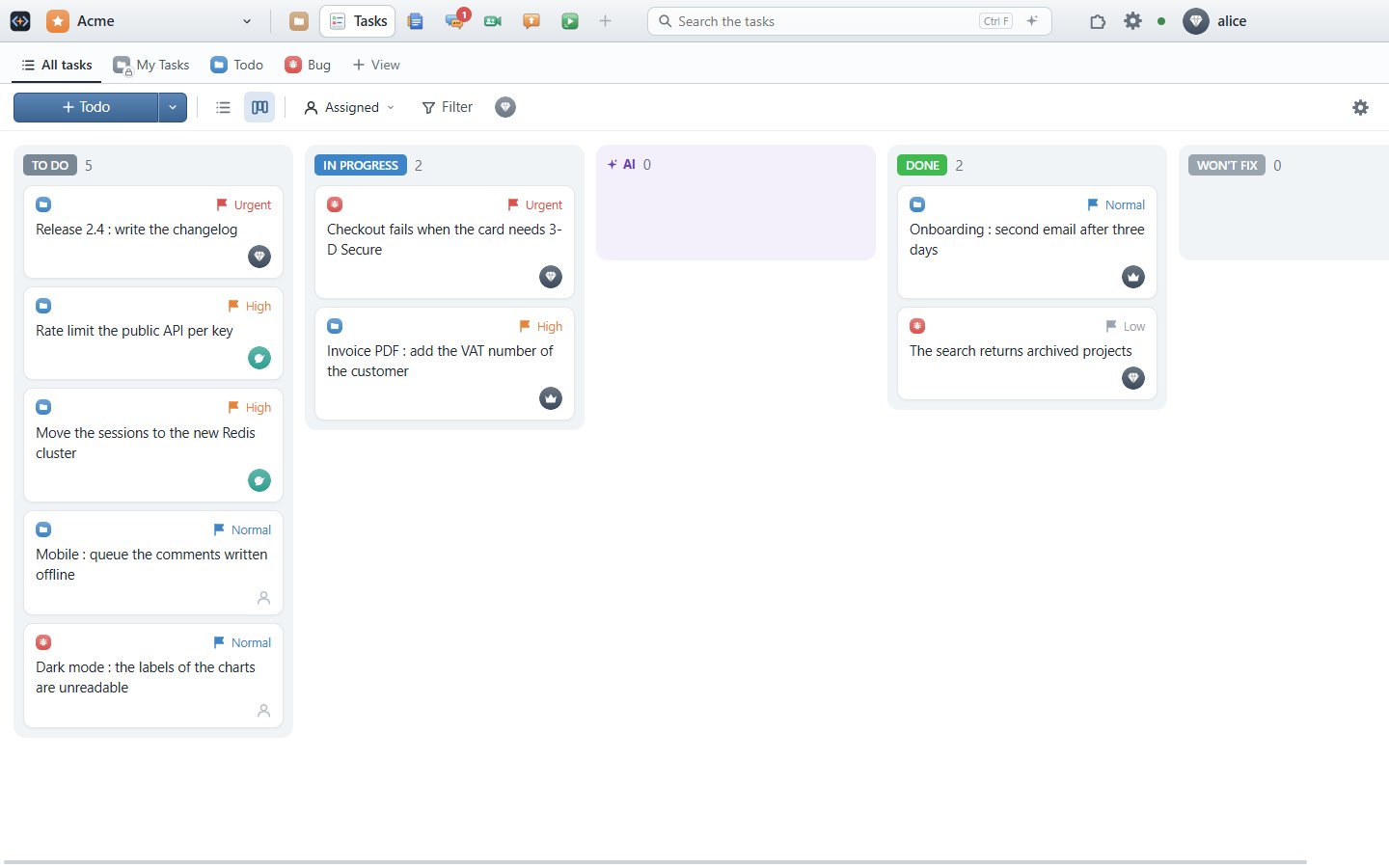
One tool instead of six
- 💬Chat
- 📄Docs & sheets
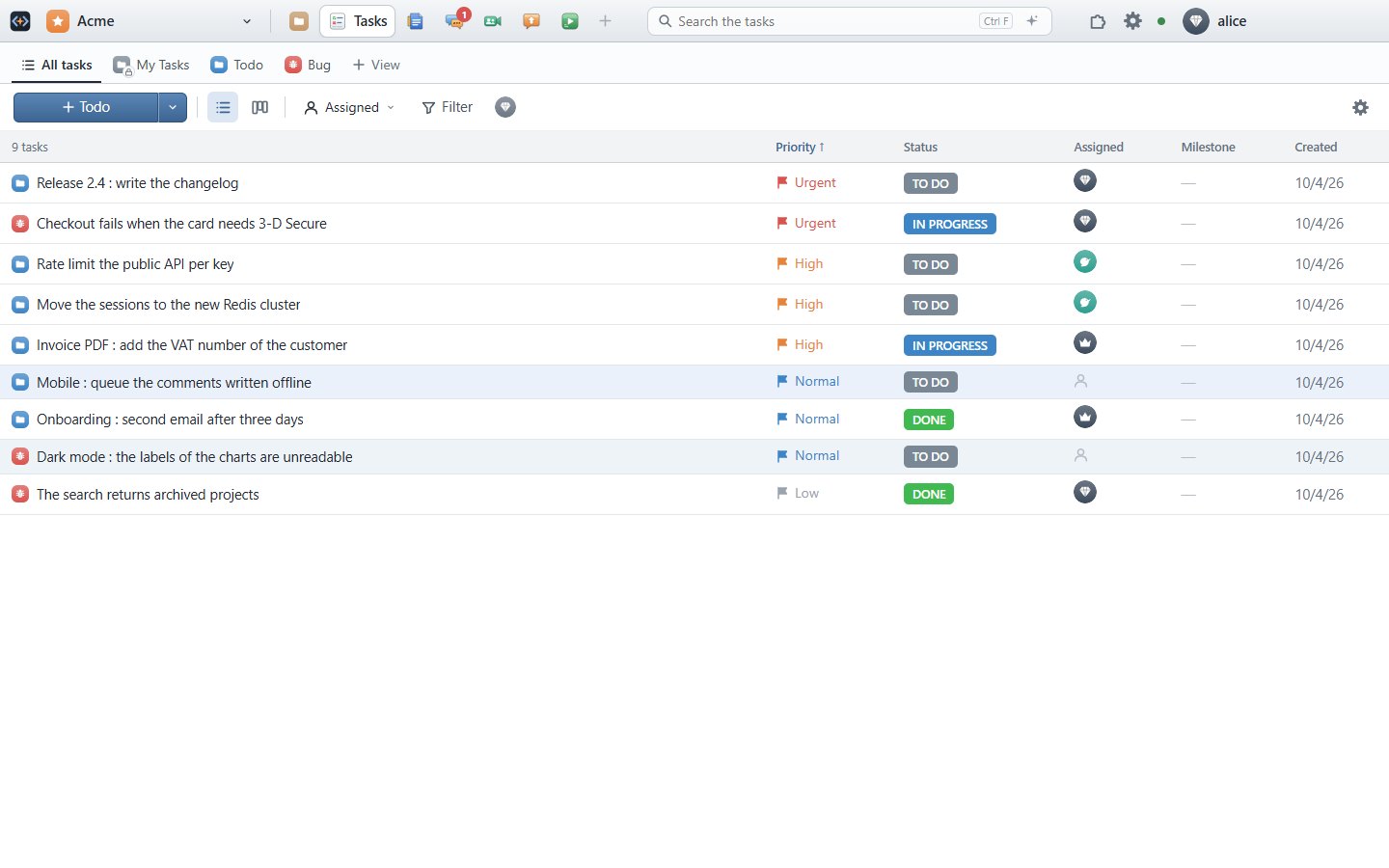
- ✅Tasks & bugs
- 💡Feature requests
- 🌿Git & SVN
- 🧩Internal tools
Customize
The dev suite your team shapes together
Every SaaS ships the same screens to everyone. In Sylphe, any tool can be improved by a customization: describe the change, the AI writes it, you try it in the view you have open. Then the whole team can have it.
- Improve a tool — a column, a filter, a button, a view your team keeps asking for.
- Share it with the team — shared with the project, each member sees what it does from its picture and adds it in one click.
- Make your own tools — an internal dashboard, a release checklist, an editor for your data, in one conversation or with the API.
- A tool per team — install a tool for one team, or a second Tasks or Docs with its own access for another.
- Themes — made with the AI, for you or shared with the project.
Cost
One subscription instead of six
Chat, docs, tasks, code: each has its seat price, its admin, its integrations to keep alive. Sylphe is one bill, one set of users and rights, and tools that already work together.
Put what your team pays today per user per month, for all its tools together.
Your AI
Your AI, under your control.
Sylphe puts your own AI to work on your project, in every tool, within the limits you set.
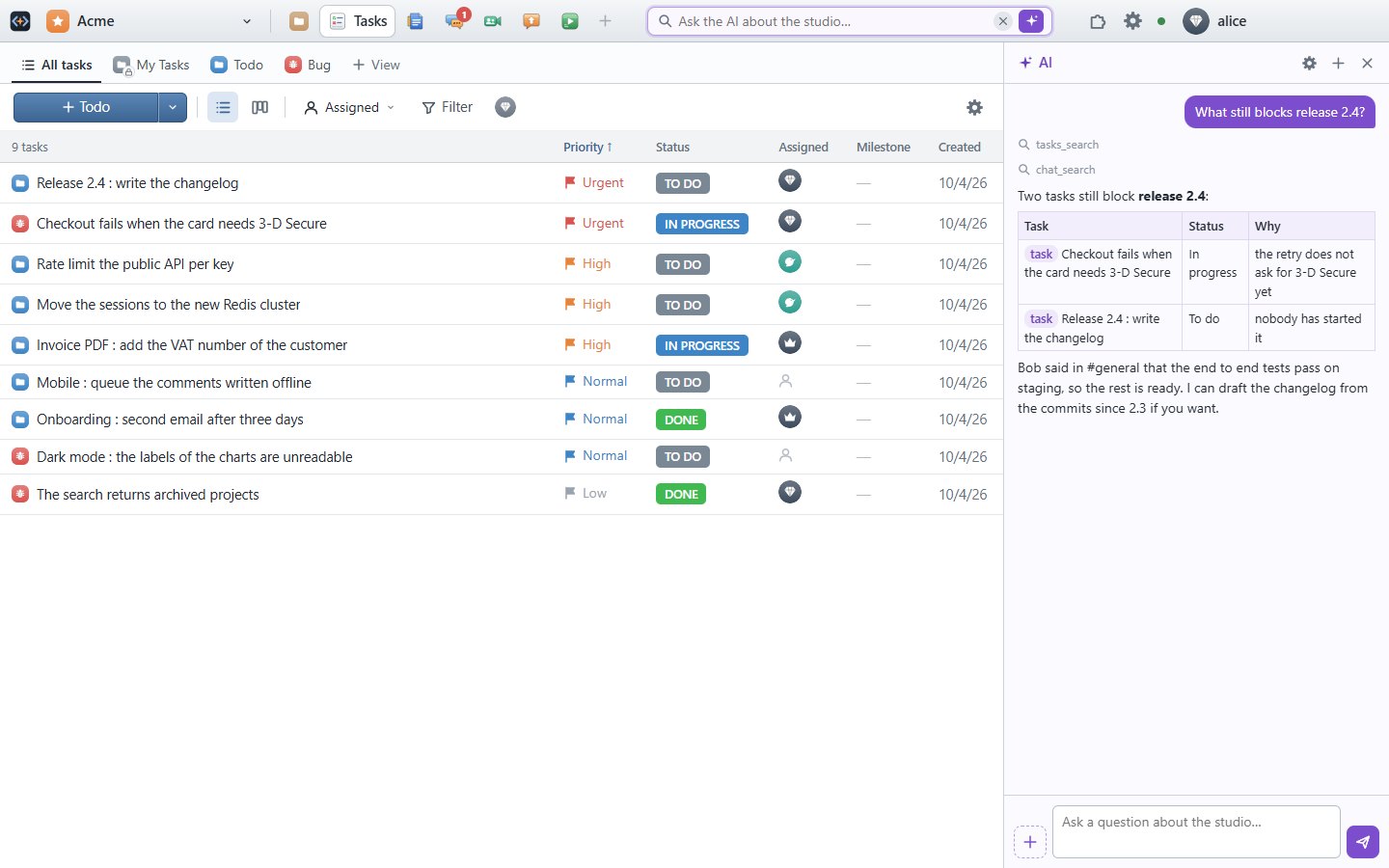
Ask
The search of the header becomes a question. The AI knows the tool, the file, the selection you have in front of you, and searches the chat, the docs and the tasks.
Review
When it proposes changes, you see them before and after, and apply them as one undo. You stay the one who decides.
Delegate
Set a task to the AI: a worker takes it, works in its own checkout, and gives back a diff and its report for you to review and commit.
Connected
Every tool knows the others
The tools are built together, and the AI reaches all of them: every integration is already there.
A voted request is sent to the AI; its changes come back as a diff to review and commit.
Ask for a report: the AI gathers the chat and the tasks and writes it in Docs, with links to its sources.
One way to improve any tool, and one place where the team shares what it made.
A link to a task, a document or a message opens it in its tool, from anywhere.
One set of users, groups and rights for every tool, down to a folder.
A spreadsheet queries your databases live for its charts.
Build your workflows inside
Describe the workflow your team wants: the AI makes it as a customization of a tool, or as a tool of your own, that ties your tools together. Try it, share it with the team. For the heavy work, an AI worker runs it as a task, with the rights of the person who asked.
- In Tasks, a Ship it button: close the task, post it in #releases, add it to the changelog.
- A release checklist tool: every task of 2.4, its commit and its review, in one view.
- In Feature Vote, a request with 10 votes becomes a task for the AI.
- In Chat, a /bug command that files the message as a task.
Bring your data in a few clicks
 SlackChannels, threads, reactions, files
 ClickUpTasks, statuses, comments, attachments
 Google DocsDocuments and spreadsheets
 MongoDBLive data in your spreadsheets
 YoursAnother service? An import is a customization: ask the AI for it, add it in a few clicks.
Authors and dates kept. Run an import again: it picks up where it left off.
Together, in real time
The named cursors of the others in a document, presence in the chat, tasks and boards that update as the team works.
Under control
Groups, rights and ACL down to a folder. One database per organization. The AI only sees what the person who asked can see. Backups, a trash of 30 days, and the activity of everyone.
Everywhere
Desktop clients for Windows, macOS and Linux, the same workbench in the browser, and an offline mode that sends your changes when you are back.
Pricing
Start free, grow when you need to
Free
$0
- 2 users, guests included
- 1 AI worker
- 50 MB of data, files included
- All the tools and customizations
Team
$3.99 / user / month
Billed yearly, excl. VAT
- As many users as you need
- More AI workers
- More storage and backups
- Everything in Free
Prices excluding VAT. The AI runs on your own subscription or API key, in every plan.
Bring your team in one window
Create your organization in a minute. Invite a colleague, connect a repository, ask the AI.
Create your free account